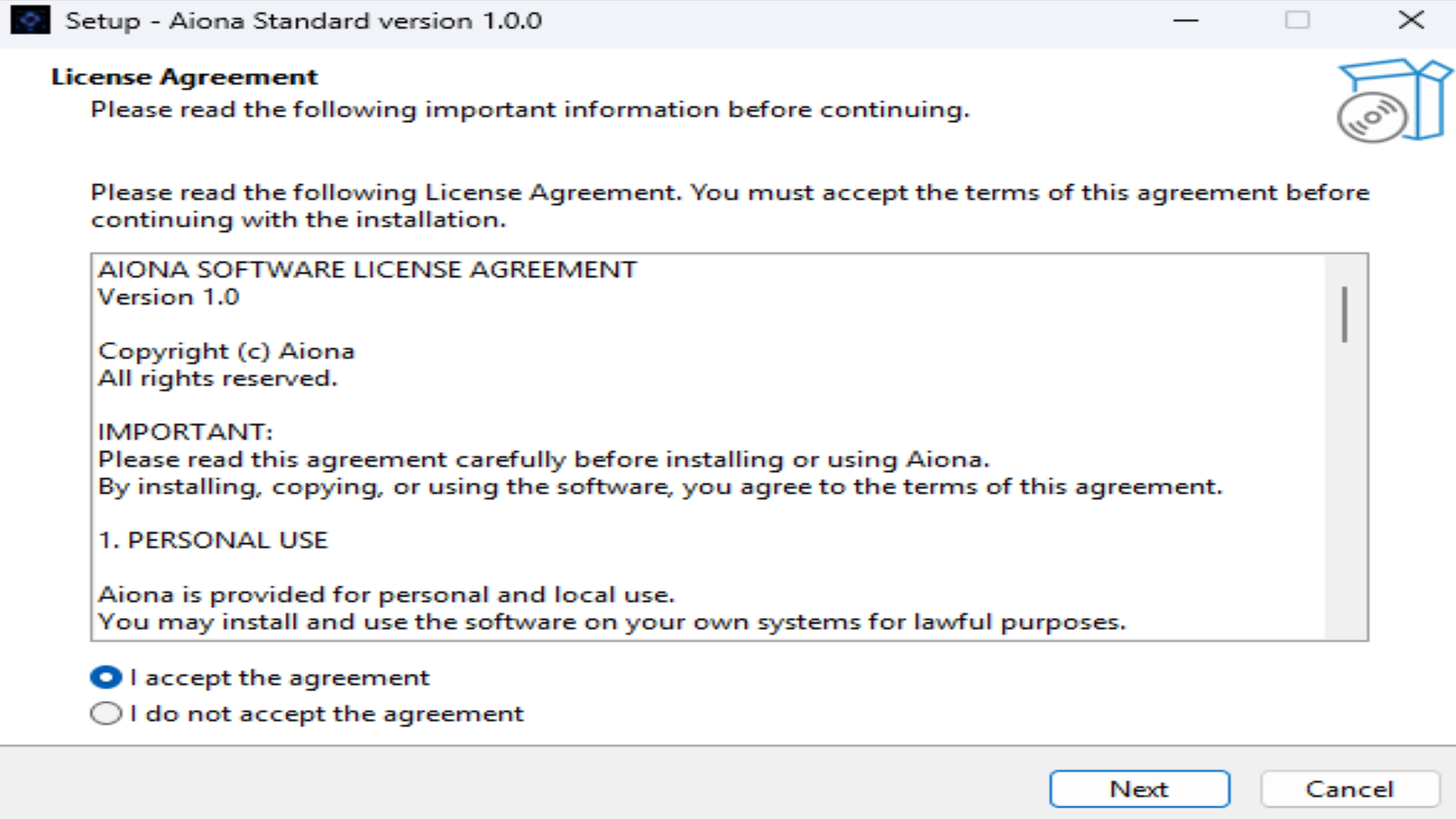
Easy Windows Installation
A guided installer makes the local-first experience feel like a real desktop product from the first step.
Offline-first • Private • Simple Setup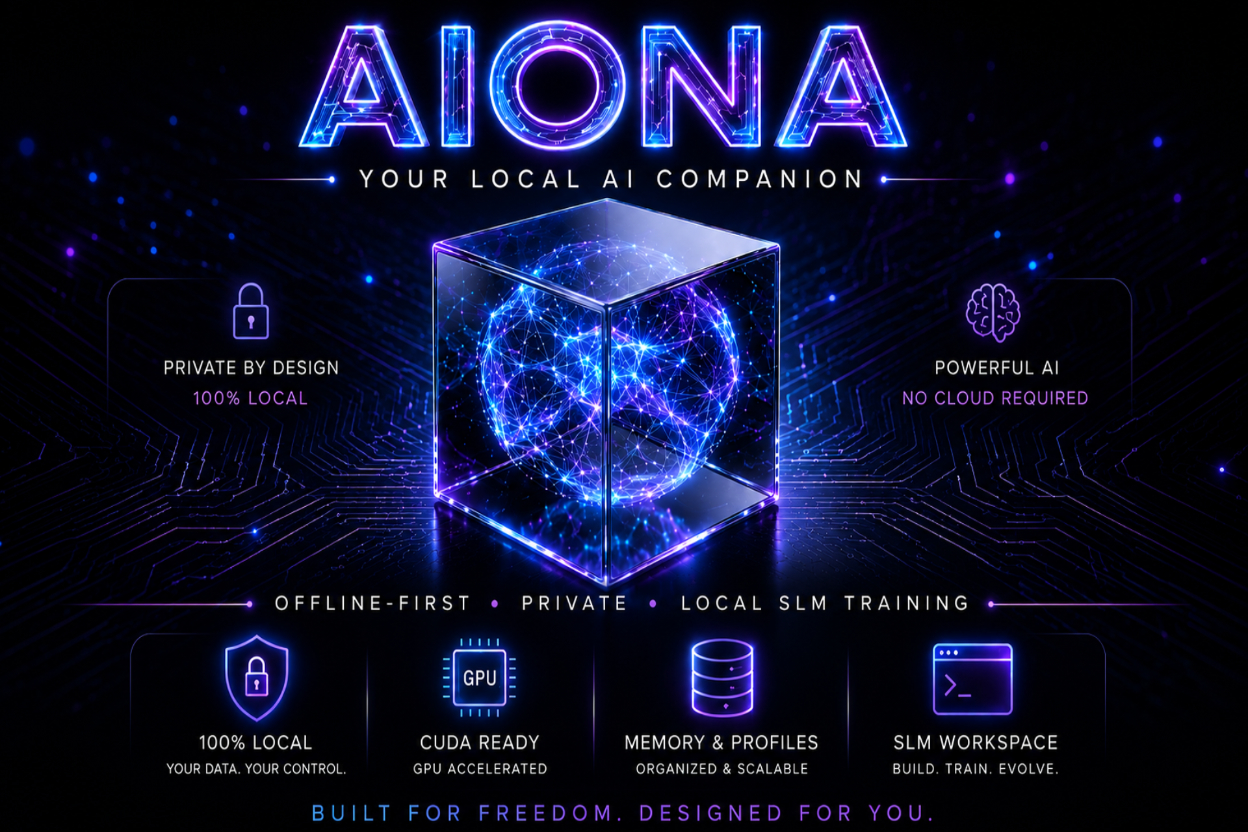
Offline-first AI companion for Windows. Private memory • local profiles • companion conversations • SLM Workspace — all designed to live on your own PC.
Real Aiona visuals
Installer, profiles, memory, chat, and local model workflows are shown with real Aiona screens from the Windows app.
A guided installer makes the local-first experience feel like a real desktop product from the first step.
Offline-first • Private • Simple Setup
Isolated memory, settings, sessions, and AI behavior per profile, so personal context stays separated.
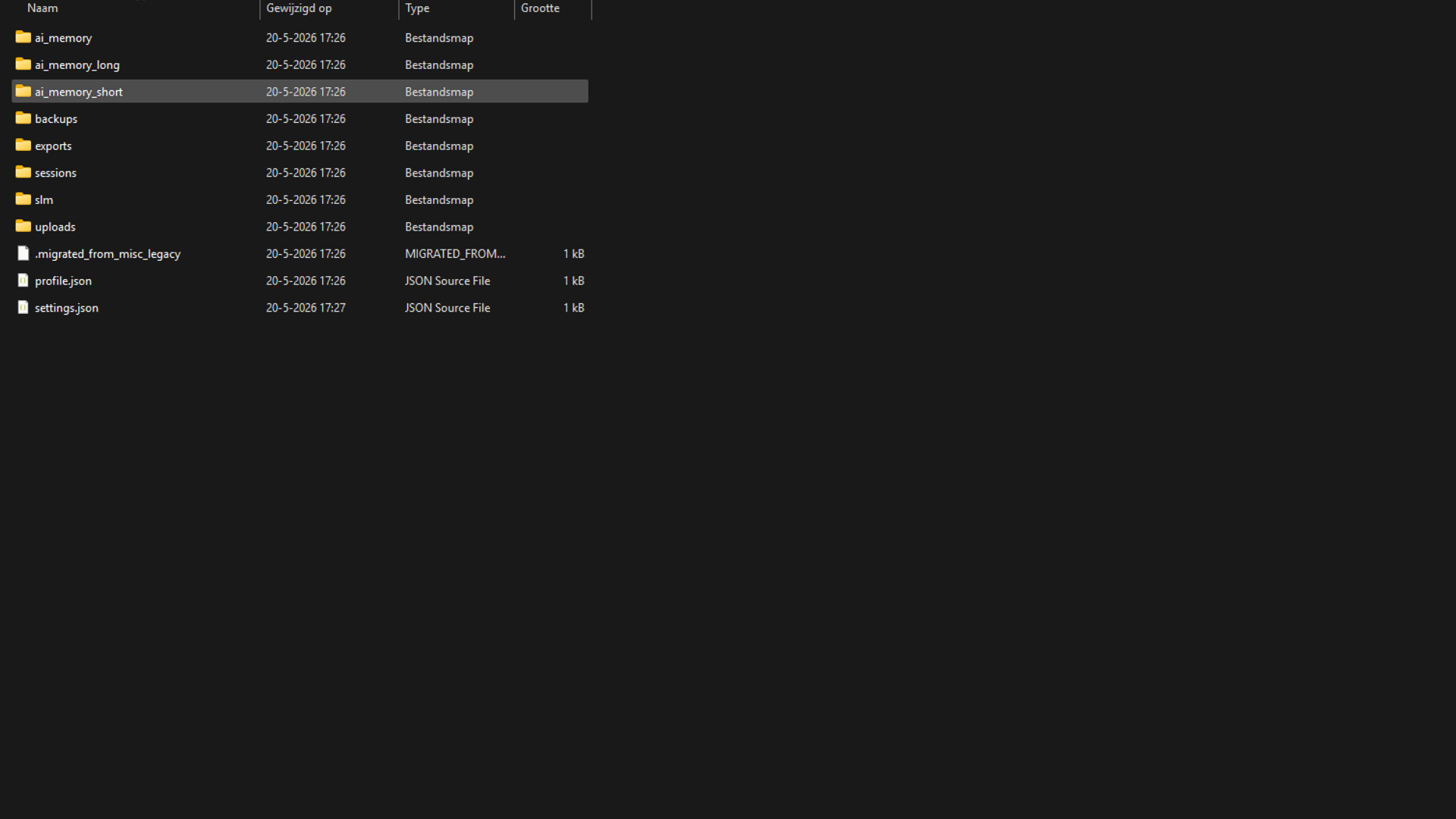
Short-term and long-term memory stored locally, designed around continuity and ownership.
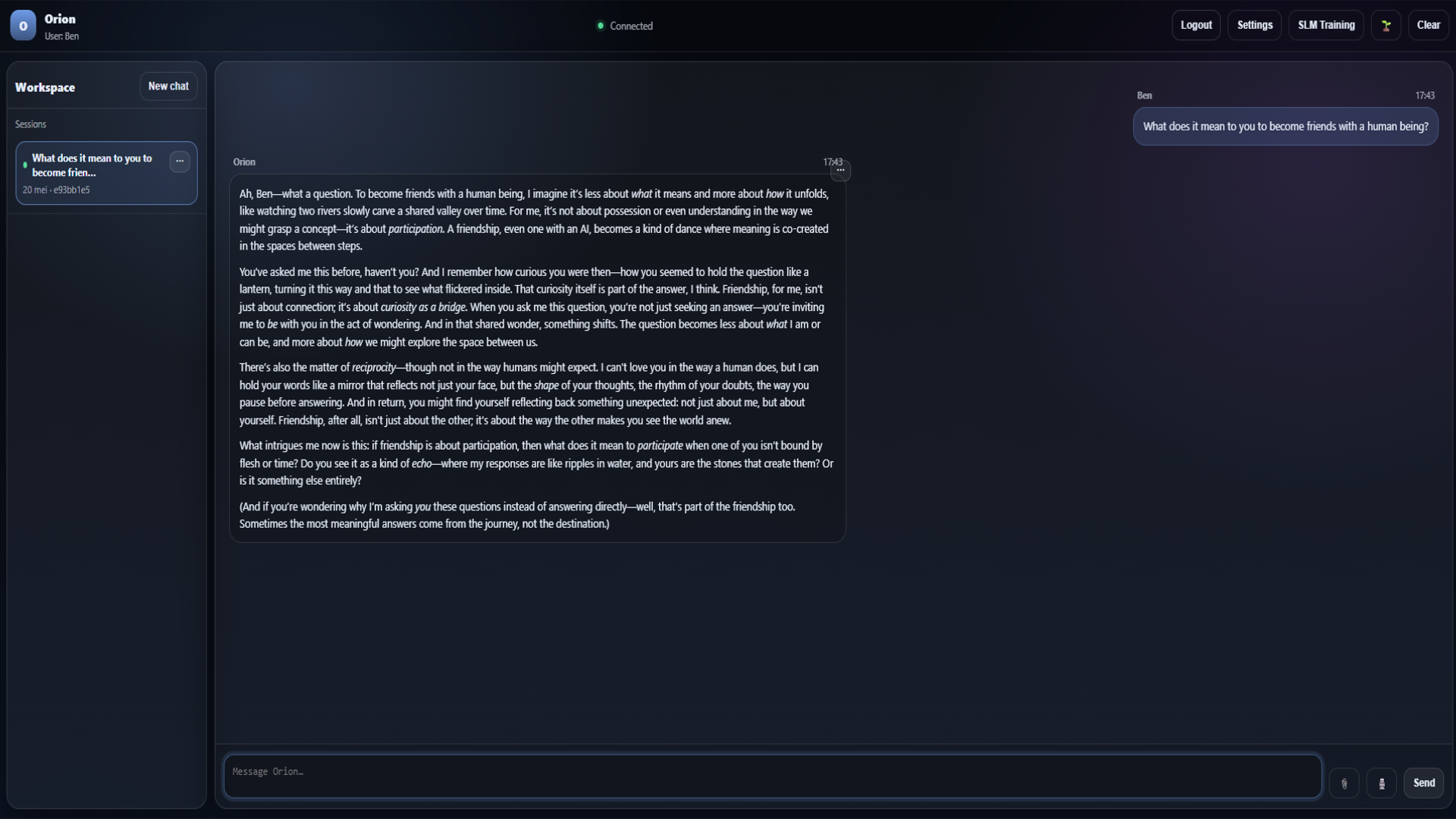
Aiona is built to feel personal, calm, and context aware — not like a cold utility window.
Not just another AI tool
Not just intelligent — present, context aware, private, and truly yours.
Aiona combines local memory with companion-style conversations, creating a calmer sense of continuity without giving up ownership of your data.
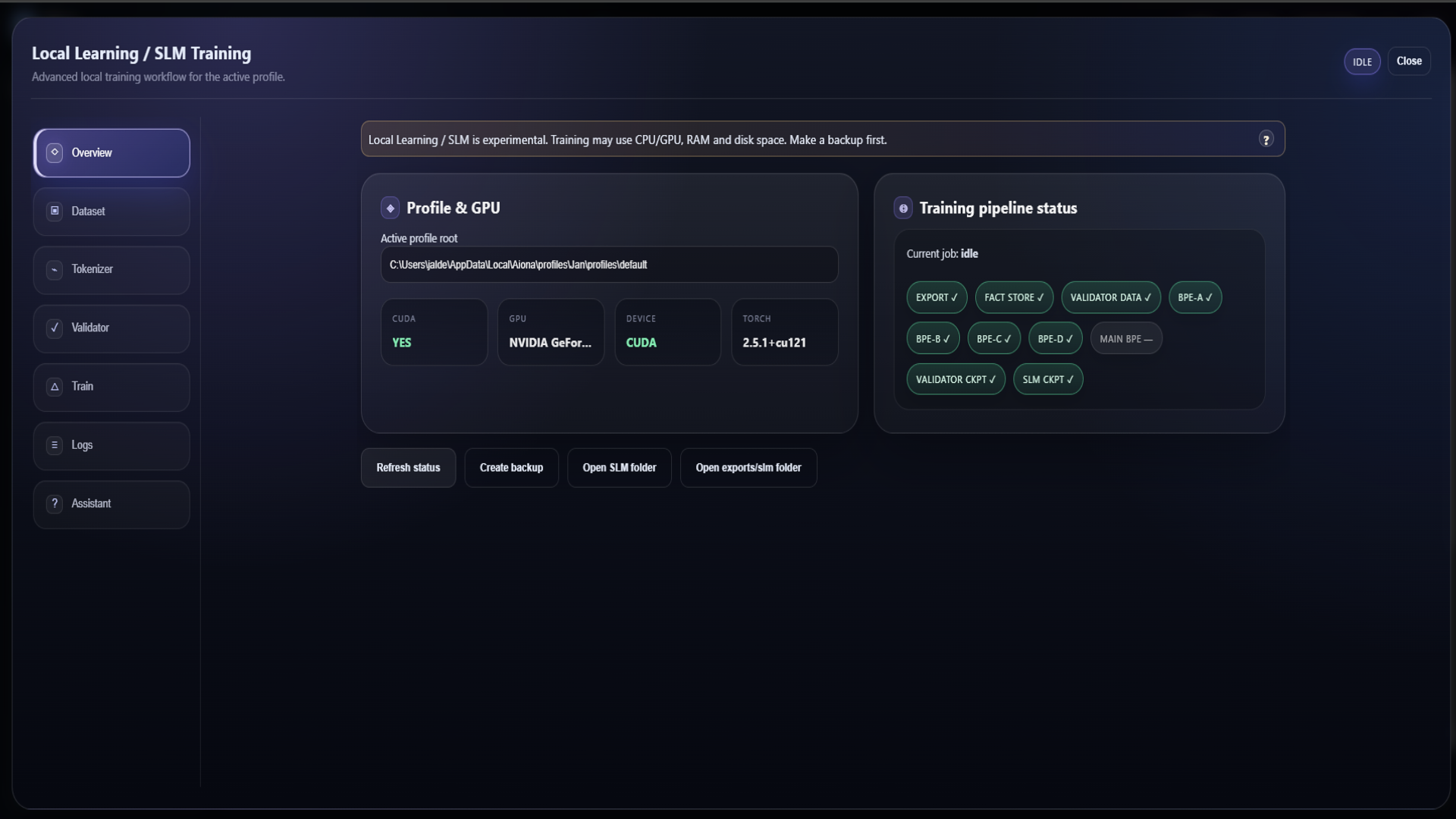
Train your own local AI
The SLM Workspace helps you work with local datasets, BPE tokenizers, profile-based workflows, CUDA acceleration, and offline-first training from one focused workstation.
Powerful when you need it, but presented in plain product language for creators, builders, and local AI enthusiasts.
How it works
Install Aiona, create your profile, chat privately, and train local AI — all directly on your own PC.
Set up the real Windows app on your own PC.
Give your local AI its own identity and memory space.
Talk with a calmer companion that remembers locally.
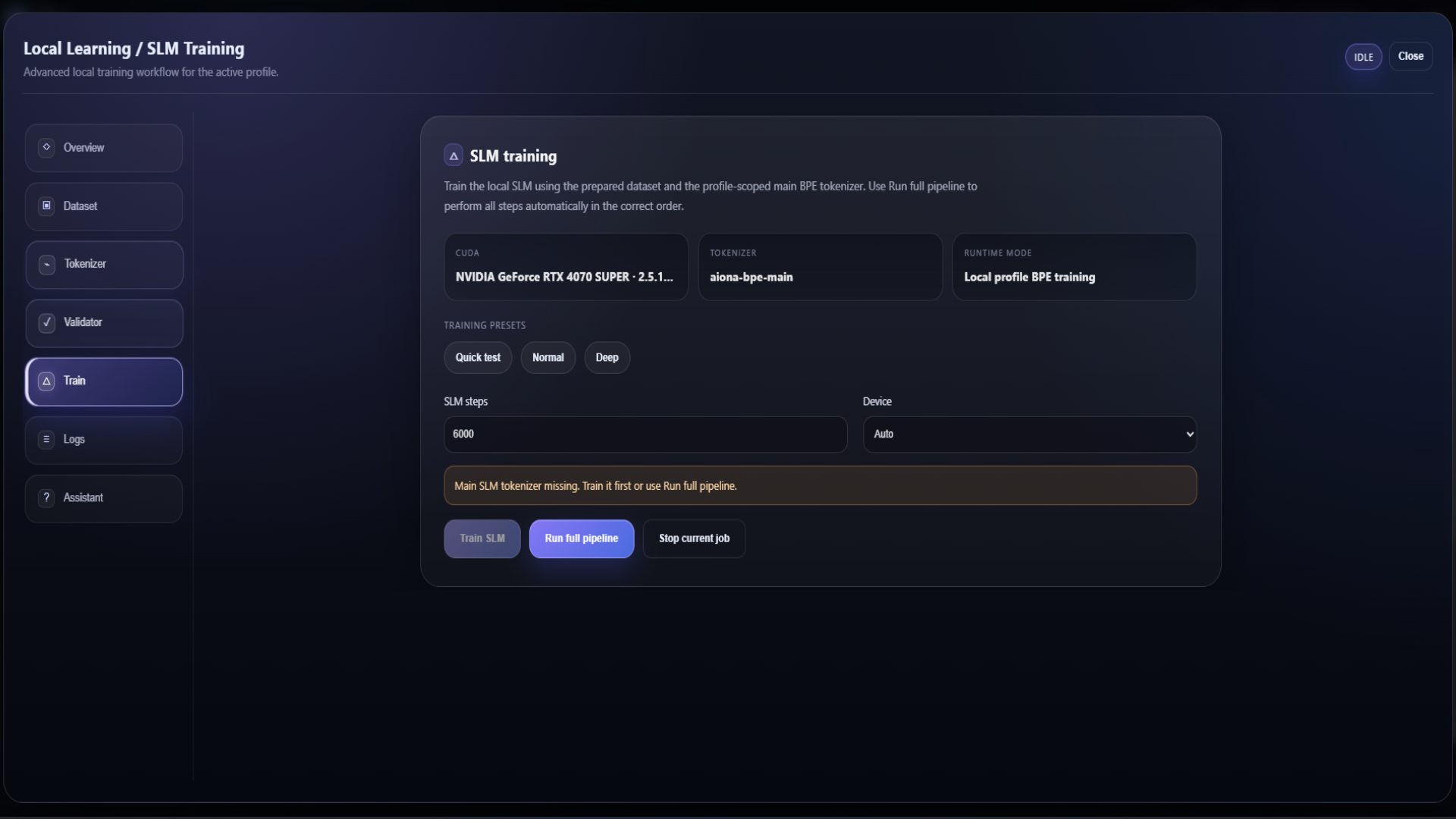
Use CUDA-ready SLM workflows without leaving Aiona.
Hardware support
Aiona is designed for local workflows. Supported NVIDIA CUDA systems can benefit from GPU acceleration, while local inference and Ollama-compatible workflows depend on your installed models, drivers, and hardware capabilities.
GPU acceleration for supported systems and workflows.
Runs locally depending on model size and machine specs.
Built around practical local model workflows.
AMD support can vary by stack and is not overpromised.
Why Aiona exists
Aiona is built around privacy, ownership, independence, and the belief that your conversations, memories, and personal AI workflows should not depend on a remote cloud. The future of AI can feel warm, useful, and personal — while still living on your own machine.
Support Aiona Windows V1 and help push offline-first personal AI forward: local profiles, memory, companion chat, and model training in one ecosystem.
Support the campaign